How to Generate a Voice Over From Text (in a Few Minutes)
You have a script and a video to publish, but no studio and no desire to record yourself ten times? Today you can generate a voice over from text in just a few minutes, with a natural-sounding result. Here is how to do it, step by step.
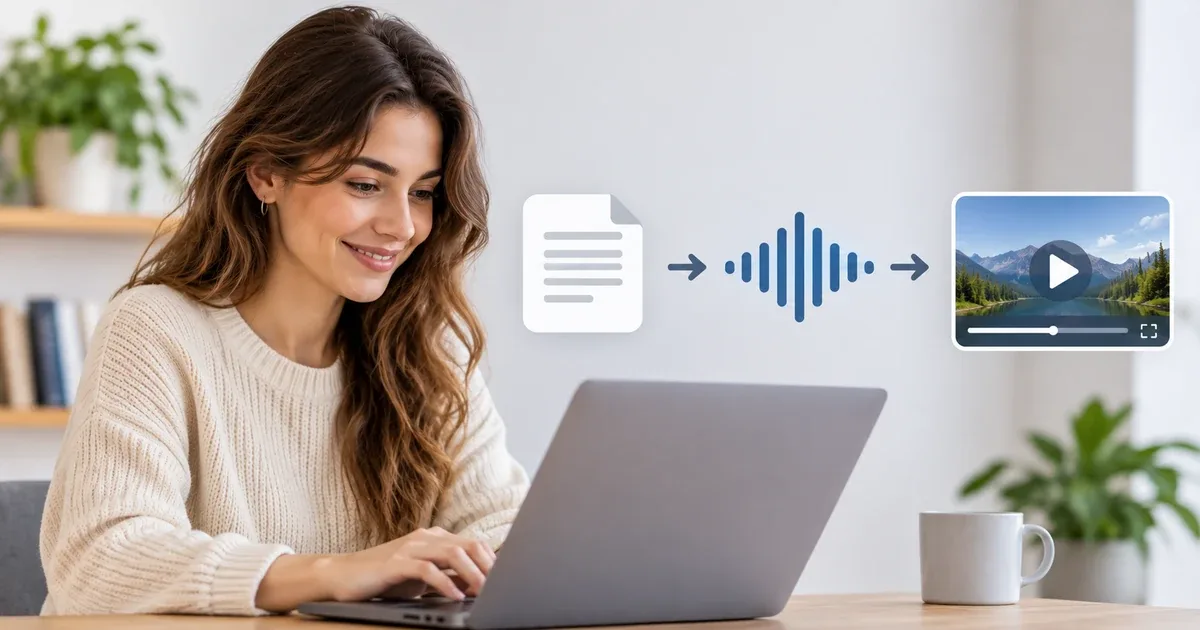
Table of contents
What is an AI-generated voice over?
Generating a voice over from text means converting a written script into spoken audio using artificial intelligence, with no microphone or studio.
It is also called speech synthesis or "text to speech". An artificial intelligence model reads your script while respecting rhythm, intonation and pauses, and produces an audio file ready to use.
First-generation voices sounded robotic. Today's are much smoother: breathing, emphasis, a calm or energetic tone... to the point that, for many uses, the difference from a human voice is hard to notice.
When should you generate a voice over from text?
YouTube, TikTok and Reels videos: clear narration without having to record yourself.
Educational videos and e-learning: modules that are easy to update (fix the text, regenerate).
Presentations and product demos: professional, consistent commentary from one video to the next.
Corporate videos: internal communication, onboarding, tutorials.
Podcasts, audio description, accessible content: turn an article into an audio version.
Prototypes: test a script before moving on, if needed, to a voice actor.
The main benefit is speed and flexibility. A mistake in the script? Edit the sentence and regenerate, with no need to redo a full recording.
5 steps to generate a voice over from text
Text written to be read on a screen doesn't sound good when spoken. A few simple rules:
Favor short sentences (15 to 20 words on average).
Use spoken vocabulary, as if you were explaining something to someone in front of you.
Avoid parentheses, long lists and abbreviations that are hard to pronounce.
Write numbers, acronyms and proper nouns so that they are read correctly (for example "two thousand twenty-six" or "N.A.S.A." if the result requires it).
Tip: read your text aloud before submitting it. If you stumble somewhere, the AI may stumble too.
2. Choose the voice and the tone
A good voice over fits your content: a warm voice for a tutorial, a calmer one for a corporate presentation, a more energetic one for an ad. Test several voices on the same excerpt before deciding.
If you want a unique sound identity, some tools, including Incarneo, also let you clone a voice: you get a voice over that sounds like you, without having to re-record for every new video.
3. Paste your text and generate the audio
This is the easiest step: paste your script into the tool, select the voice, then start the generation. The result is available in moments.
4. Listen, adjust, regenerate
Listen to the whole result, with headphones if possible. Look for:
mispronounced words (rephrase them or rewrite them phonetically),
misplaced pauses (add or remove a comma or a period),
passages that are too fast or too flat (split the sentence, vary the punctuation).
This write → listen → fix cycle is the key to a natural result. Two or three iterations are usually enough.
5. Export or integrate directly into your video
Once you are happy with it, export the audio file to insert it into your editing software. With Incarneo, you can go further: pair the voice with an animated avatar to get a talking video directly, without complex editing.
Our tips for a natural-sounding voice over
Take care with punctuation: a comma creates a micro-pause, a period a real breath.
Vary sentence length to avoid a monotonous effect.
Write the way people talk: contractions, direct phrasing, simple words.
Avoid overly long sentences: if a sentence runs past two lines on screen, split it.
Read aloud to spot difficult passages.
Add light background music: it masks imperfections and adds depth.
Mistakes to avoid
Copy-pasting text written for the web without adapting it to speech.
Choosing a voice without testing it on a real excerpt of your script.
Neglecting proper nouns and acronyms: check how they are pronounced.
Forgetting about rights: if you clone a voice, make sure you have the person's consent. Cloning someone's voice without their agreement is a no-go.
Not stating that a voice is AI-generated when the context requires it (some platforms and regulations call for transparency about synthetic content).
Generate a voice over with Incarneo
Incarneo is an AI studio that lets you clone a voice and animate an avatar to create voice overs and talking videos in a few minutes, whether you work alone or in a team.
In practice, you can:
turn a script into a voice over,
use a cloned voice to keep a consistent sound identity,
pair the voice with an avatar to produce a talking video,
collaborate with your team on your content.
Frequently asked questions
Can you generate a voice over for free?
Yes, many tools offer a trial or a free quota, usually limited in duration or features. Always check the terms of use, especially for commercial use. Incarneo gives you credits to get started.
How long does it take to generate a voice over?
The generation itself takes a few seconds to a few minutes depending on the length of the text. The real time spent goes into preparing the script and making adjustments.
Can an AI voice over be used commercially?
It depends on the tool and its license. Check the terms of use before publishing a video intended for commercial purposes. With Incarneo, the license is commercial.
Can you use your own voice?
Yes: voice cloning lets you reproduce yours from a sample, so you can generate new voice overs without recording again. Only use a voice you have consent for.
In which languages can you generate a voice over?
Most tools support several languages, with varying levels of quality. Incarneo offers 5 languages to date.
Turn reading into practice
Create your own AI voice-overs and videos with Incarneo, no subscription: you only pay for the minutes you generate.
Read next
Reference Photo and Voice: How to Create a Realistic Avatar
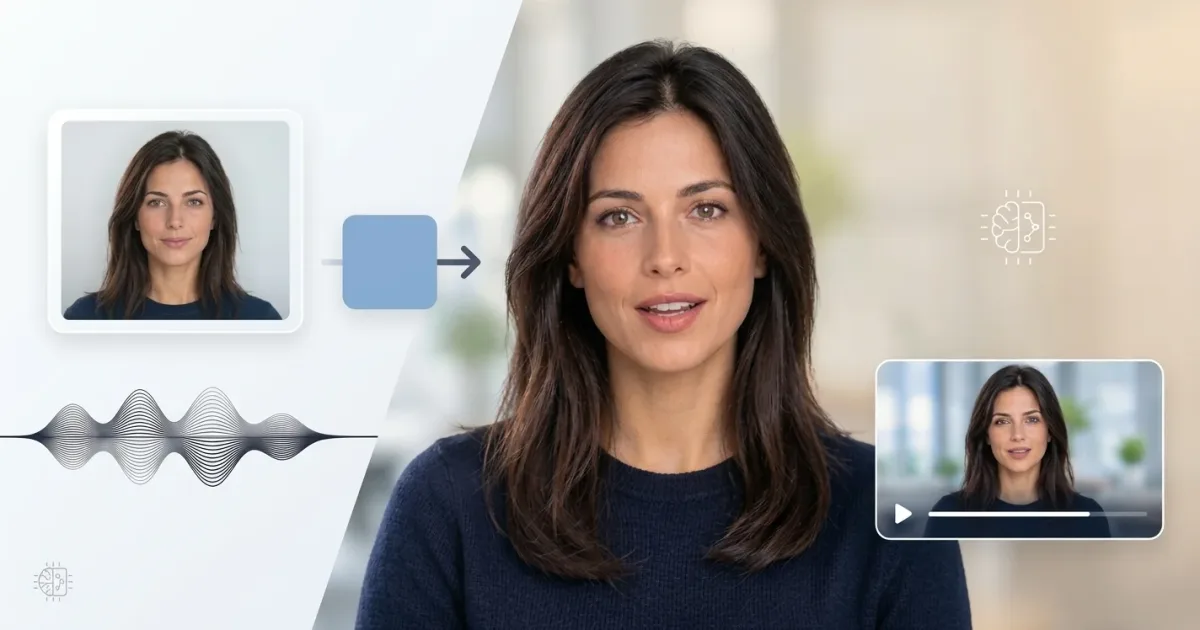
The quality of a video avatar depends as much on the generation model as on the data provided to it. A poorly exposed photo can limit facial likeness, while a noisy voice sample can degrade voice reproduction and audiovisual synchronization.

AI voice-over or human voice: when to choose what?
An AI voice-over is fast, affordable and easy to edit at will. A human voice brings an emotion and a presence that synthesis does not always match. The right choice depends less on technology than on your project, your audience and your budget.
Comments (0)
No comments yet — start the conversation!