Voice Over for TikTok, Reels and Shorts
You publish vertical videos and want clear narration without recording yourself every time? A voice over for TikTok, Reels and Shorts can now be created in a few minutes from a simple text. Here is how to write it, generate it and adapt it to each platform.
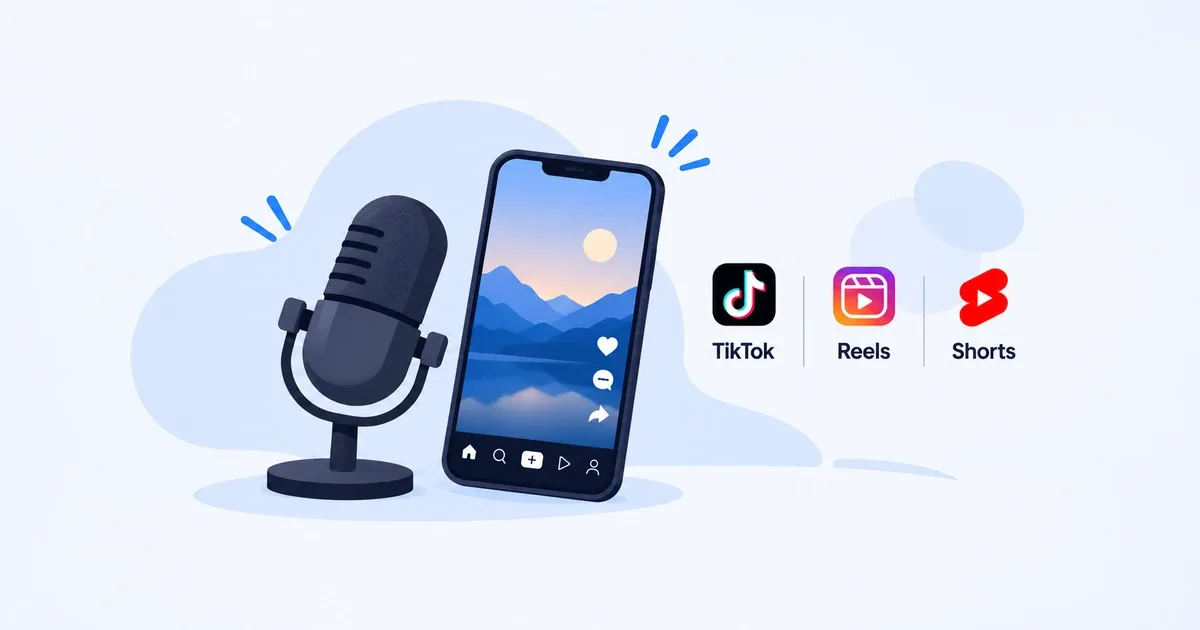
Table of contents
What is a voice over for TikTok, Reels and Shorts?
A short video voice over is an audio narration laid over a vertical video lasting a few seconds to a few minutes, which explains, tells a story or accompanies the images.
It replaces the on-camera presenter or complements it. Today it can be recorded by a person or generated by artificial intelligence from a text, which lets you produce videos faster and with a consistent voice from one post to the next.
5 steps to create a voice over for TikTok, Reels and Shorts
1. Write a short script that hooks from the first sentence
In a short video, every word counts. Count about 150 words per minute when spoken, or roughly 40 words for 15 seconds.
Open with the promise or the question, not with an introduction.
One idea per video, one idea per sentence.
Short sentences, spoken vocabulary.
Finish with a simple action: follow, try it, read more.
Tip: read your script aloud while timing yourself. If it runs over the planned length, cut.
2. Choose the voice and the tone
An energetic voice suits dynamic content, a calmer one suits explanations or tutorials. Test several voices on the first sentence of your script before deciding. If you publish regularly, keep the same voice so your audience recognizes you.
3. Generate the voice over
Paste your text into the tool, select the voice and start the generation. The result is ready in moments.
4. Listen, adjust, regenerate
Listen to the whole audio, preferably with headphones, then fix whatever stands out:
a mispronounced word: rephrase it or write it phonetically,
a misplaced pause: add or remove a comma or a period,
a flat passage: split the sentence or vary the punctuation.
Two or three iterations are usually enough.
5. Edit the video with captions and export in vertical format
Place the voice over on your visuals, add on-screen captions, then export in 9:16 vertical format. Many people watch without sound: captions keep your message readable. With Incarneo, you can also pair the voice with an animated avatar to get a talking video directly.
Our tips for a voice over that holds attention
Hook in under 3 seconds: the first sentence states the topic or asks a question.
Keep a brisk pace: cut unnecessary silences, but leave a breath between two ideas.
Sync voice and visuals: change shots when a new idea begins.
Add captions: many videos are watched without sound.
Keep captions out of masked areas: each platform's buttons and caption cover the bottom and edges of the screen.
Lower the music under the voice: the voice must stay clear, even on a phone.
How many words for how long?
Count about 150 words per minute when spoken:
15 seconds: about 40 words, ideal for a hook or a teaser.
30 seconds: about 75 words, ideal for a tip or a quick demo.
45 seconds: about 110 words, ideal for a mini-tutorial.
60 seconds: about 150 words, ideal for an explanation or a story.
Maximum lengths vary by platform and change regularly: check them in each app before publishing.
Mistakes to avoid
Reusing text written for an article without shortening it or making it more conversational.
Starting with an introduction ("Hi, today I'm going to talk about...") instead of the main idea.
Choosing a voice without testing it on a real sentence from your script.
Forgetting captions or placing them where the interface hides them.
Cloning a voice without the person's consent: always ask for their agreement.
Not flagging an AI-generated voice when the platform or context requires it: some platforms offer labeling for AI-generated content.
Generate a voice over for your short videos with Incarneo
Incarneo is an AI studio that lets you clone a voice and animate an avatar to create voice overs and talking videos in a few minutes, alone or in a team.
For your TikTok, Reels and Shorts videos, you can:
turn your script into a voice over,
keep the same voice from one post to the next thanks to the cloned voice,
pair the voice with an avatar, created from a front-facing photo, to get a talking video,
reuse your avatars and voices for your next content,
export the audio or video and publish it on your platforms.
Frequently asked questions
How long should a short video voice over be?
Aim for 15 to 60 seconds for most content, or 40 to 150 words. Maximum lengths vary by platform: check them in each app.
Can you do a voice over without showing your face?
Yes. Just lay the voice over images, screenshots, animations or stock footage. The voice carries the message, the visuals illustrate it.
Do platforms accept AI-generated voice overs?
Generally yes, but their rules change, especially regarding the labeling of AI-generated or modified content. Check each platform's terms before publishing.
Can you use an AI voice over for commercial videos?
It depends on the tool and its license. With Incarneo, the license is commercial, and you get credits to get started.
Can you use your own voice?
Yes: voice cloning reproduces yours from a short sample, so you can generate new voice overs without recording again. Only use voices you have consent for.
In which languages can you generate a voice over?
Most tools offer several languages, with varying levels of quality. Incarneo offers 5 languages: French, English, German, Italian and Spanish.
Turn reading into practice
Create your own AI voice-overs and videos with Incarneo, no subscription: you only pay for the minutes you generate.
Read next
How to Generate a Voice Over From Text (in a Few Minutes)
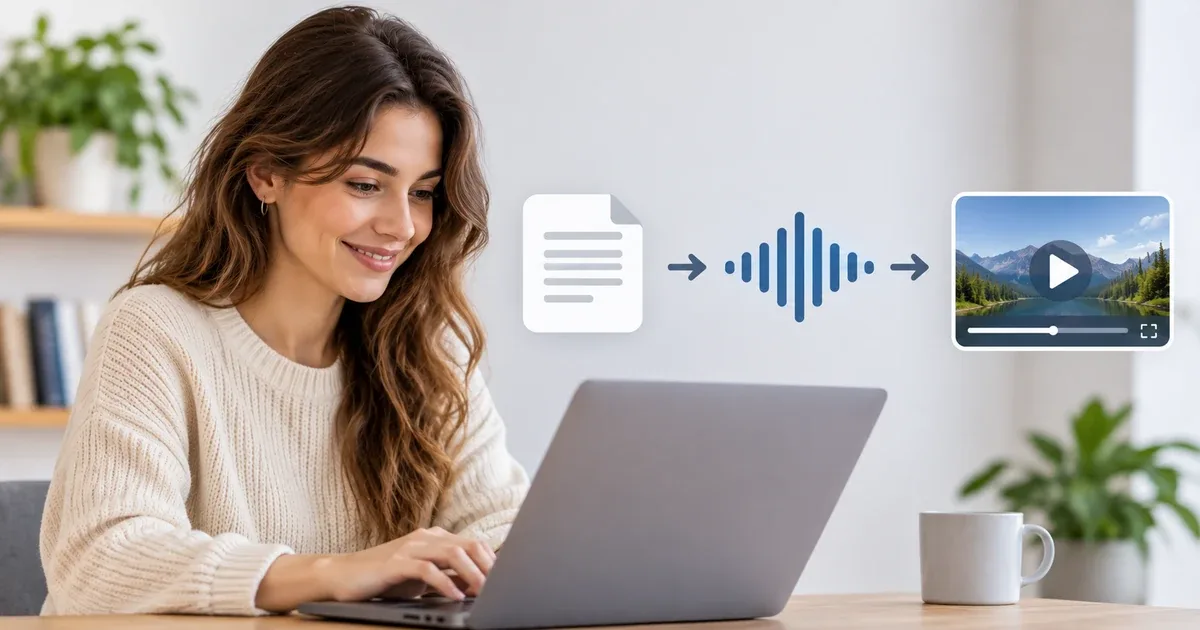
You have a script and a video to publish, but no studio and no desire to record yourself ten times? Today you can generate a voice over from text in just a few minutes, with a natural-sounding result. Here is how to do it, step by step.
Reference Photo and Voice: How to Create a Realistic Avatar
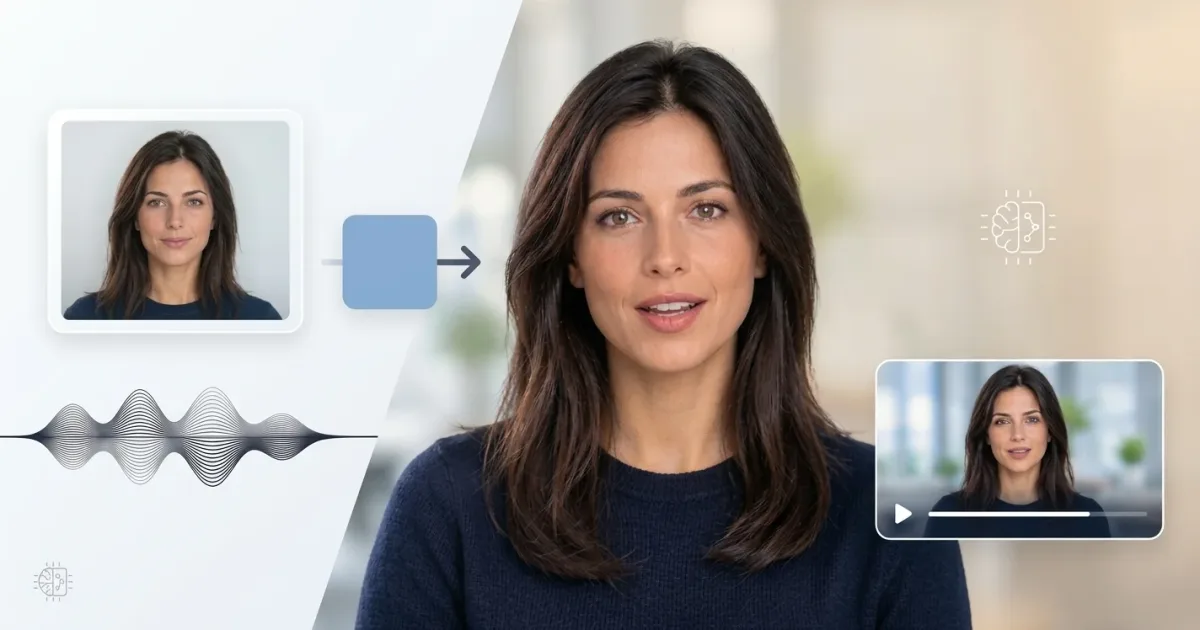
The quality of a video avatar depends as much on the generation model as on the data provided to it. A poorly exposed photo can limit facial likeness, while a noisy voice sample can degrade voice reproduction and audiovisual synchronization.

AI voice-over or human voice: when to choose what?
An AI voice-over is fast, affordable and easy to edit at will. A human voice brings an emotion and a presence that synthesis does not always match. The right choice depends less on technology than on your project, your audience and your budget.
Comments (0)
No comments yet — start the conversation!